Tricks to Fix and STOP Website Spam
February 13, 2026
CONSUME CREATIVELY
This content is available in:
AUDIO
TEXT
Because your contact form shouldn’t be a 24/7 bot party.
You wake up to 47 emails about cryptocurrency, someone wants to sell you SEO services (the irony), and three bots are VERY concerned about your website’s performance.
You know the drill. You delete five, ten more appear. You silently cuss technology and consider just shutting down your contact form entirely and making people send carrier pigeons instead.
You, my friend are NOT alone.
Table of Contents
Website spam isn’t a matter of if you’ll get it—it’s when.
The good news? You can fight spam before it hits. Start dealing with it from the very beginning instead of waiting until you’re drowning in garbage emails and accidentally delete the important ones in a fit of rage clicking.
Think of it like locking your car doors. You don’t wait until someone tries the handle to hit that lock button, right?
Here’s the deal: You don’t have to live like this. Website spam is annoying, but it’s not inevitable chaos. You just need the right defenses in place.
Start Here: Lock Your Doors Before the Bots Show Up
Do these before you get hit by spammers. Or, if you’re like most websites already seeing a small voltage of spammy yuck coming through, these moves are your first line of defense. These are things we set up from the get-go, before we even take a website live. They’re quick and easy to implement, even for a novice website manager, and most are automated so you don’t have to worry about babysitting them.
Two Types of Spam (And Why It Matters)
Before we dive into solutions, let’s get clear on what we’re dealing with. Website spam comes in two main flavors:
Comment Spam – Those lovely bot-generated comments trying to sell you questionable products, post sketchy links, or convince you that your blog post about quarterly earnings really inspired “Sergey from Moscow” to change his life.
Form Spam – The junk that floods your contact forms, quote requests, and email signup forms. This is usually the bigger headache because it hits your inbox directly and buries actual customer inquiries.
The solutions are different for each type, and we’re starting with comments because honestly? For most of you, that’s the easiest fix. Turn them off.
Comment Spam: Close the Comment Circus
Turn Off Comments
Comments are spam magnets, if you don’t need comments on your website, turn them off. Seriously. Just do it.
And if you’re considering enabling them, don’t. People very, very seldom leave comments on a post…unless their spammers. It would be awesome if they did but they’re more likely to be talking about it where people talk online, like social media. So if you want to interact with people about your content, turn off your comments, install a social share plugin and post about your blog on social media.
If You Allow Comments, Make People Work for Them
You’re not exempt from the work either. The safest way to allow comments is to require manual approval before allowing them to publish on your site. Because here’s the thing – if you’re a church website and Russian bots are leaving comments about meeting pretty ladies, that’s…concerning. And publicly visible.
Manual approval means you’ll have to log in or enable notifications to monitor every comment, whether it’s spam or legit. You’ll have to sort through them all. To make that task easier, require a few additional steps before letting people post those little nuggets of goodness:
- Require email addresses and usernames for accountability
- Close comments after a certain number of days on older posts
- Consider only allowing comments from logged-in users
- Enable two-factor authentication to log in to your site
Use Akismet or Similar Plugins
If you MUST have comments use a spam-filtering plugin like . These plugins work in the background to automatically filter spam comments before they even reach you. They check comments against a global spam database, use machine learning to identify spam patterns, and can automatically trash obvious garbage while holding suspicious ones for your review.
Basically, does the sorting for you so you’re not manually wading through 47 bot comments to find the one legitimate question from an actual human.
The personal use version is free. The professional version runs $9.95/month, which works out to about $120/year.
Before you balk at the price, think about your hourly rate. How many hours have you spent sorting through and deleting spam? That $120 is probably cheaper than your time (and definitely cheaper than your sanity).
Form Spam: Lock Down the Bot Buffet
Implement reCAPTCHA on Every Form
You’ve seen reCAPTCHA before – it’s that little checkbox that says “I am not a robot” or the invisible badge in the corner of forms that says “protected by reCAPTCHA.”
But here’s what’s actually happening behind the scenes: reCAPTCHA isn’t just about clicking a box. It’s tracking how you interact with the page – how your mouse moves, how you type, whether you act like a human or a bot.
Our resident bot bouncer, Rebecca, says, “Bots move in straight lines, humans meander. Your mouse doesn’t go directly from point A to point B. That human pattern isn’t something bots can replicate yet.”
The main distinction is between visible and invisible:
Visible/Interactive CAPTCHAs require you to do something – check a box, identify images, type in numbers, solve a math problem. They work, but they add friction for users.
Invisible reCAPTCHA runs in the background without requiring any action from the user. It’s watching their behavior the whole time they’re on the page, and only challenges them if something seems suspicious.
We use invisible reCAPTCHA because it’s more sophisticated at catching bots AND easier for actual humans. Either way, get reCAPTCHA running on every single form. Contact forms, quote requests, email signups – all of them. It will dramatically cut down on spam messages and you only have to set it up once!
Use a Form Plugin That Actually Fights Spam
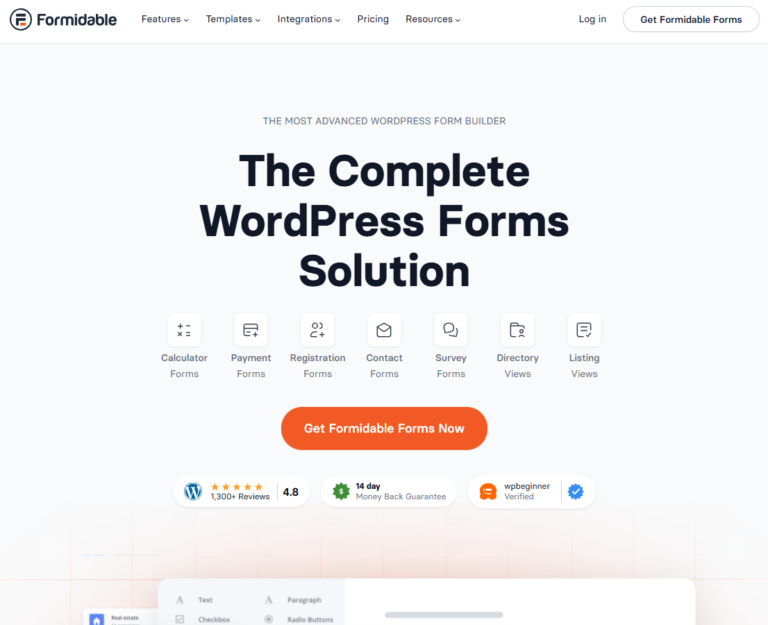
Not all form plugins are created equal. We use Formidable Forms (not sponsored, we just love it) because it lets us:
- Turn on honeypot security
- Limit how quickly a form can be submitted on repeat (rate limiting)
- Block submissions that happen “too fast to be human”
- Bot detection based on real browser behavior (JavaScript checks)
- Make specific fields required
- Add conditional logic that only appears after real interaction
What’s a honeypot? Think World War II spy tactics. You create something enticing (an invisible form field that only bots can see in the code), and when bots interact with it, you kick them out. Simple, effective, and kind of brilliant.
What’s rate limiting? It limits how many times the same person or IP address can submit a form in a short period of time. Bots tend to fire off dozens of submissions in seconds. Real humans don’t. Rate limiting shuts that down fast.
What does “JavaScript checks” actually mean? Real people use real web browsers, and real browsers run JavaScript. Many spam bots don’t. Some form plugins can tell whether the form is being submitted by a normal browser behaving like a human visitor, or by an automated script. If it doesn’t pass that test, the submission gets blocked.
Fair warning: These automated settings can occasionally flag real humans as spam. It’s rare—we’ve only seen it happen twice out of 300+ sites—but it can happen. If someone reaches out saying they can’t submit your form, that might be why.
Level Up: Advanced Spam Fighting Tactics
Still getting hammered with spam? Time to bring out the big guns.
Add a Manual Logic Test
Manual logic tests are easy set-it-and-forget-it spam blockers that just require a bit more form building knowledge (and a good form plugin) to tackle. When paired with the automated tactics above it often zeros out spam submissions.
Here’s how it works:
Create a required field that asks: “Please pick the identity that best represents you.”
Add a handful of responses:
- I am a robot
- I am AI
- I am a real person
- I am a penguin
Make the submit button conditional—it only appears or activates when they select “I am a real person.” Bots typically just pick the first or last option without reading.
Have fun with the responses! We’ve seen this implemented as “I’m a pony,” “I’m a scarecrow,” “I’m a dump truck” or our personal favorite on our own site—the penguin option. It works AND makes real humans smile. Plus it gives them a little insight into the personality of your company.
Use a Security Plugin to Monitor and Block Manually
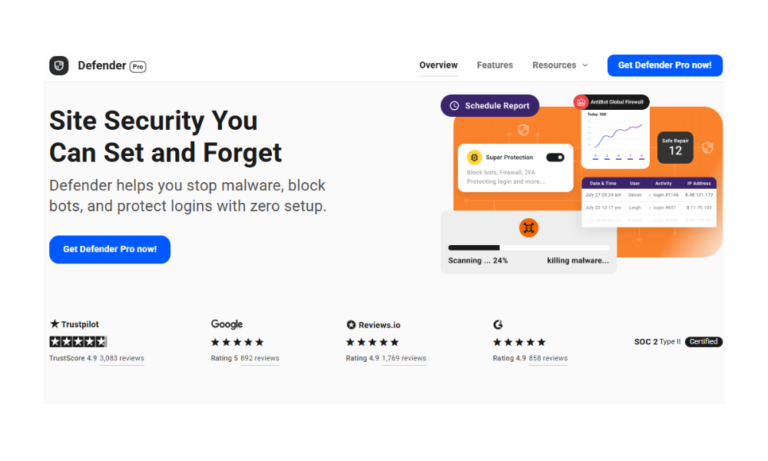
Really, you should always have a security program running on your WordPress site. We use Defender Pro (again, not sponsored). From a form spam perspective our security plugin lets us:
Enable audit logging – Get notifications about backend activity. Username logged in, username failed to log in, page updated. When we see hinky activity like login attempts for “admin1” on a site where that’s not even a username, or repeated blocked login attempts period, we can take action.
Block IPs automatically – If a bot hits one of our 300+ sites and gets blocked, that IP gets blocked across ALL our sites with that setting enabled. One site’s protection becomes everyone’s protection.
Block entire countries – If you’re a local business serving a specific area and getting hammered with traffic from countries where you don’t do business, you can just block that whole region.
This is a Hands on Sporting Event
Unfortunately, if you’re getting seriously hit with spam, monitoring and blocking the eejits becomes a manual procedure for a while. You’ll need to continually and manually block the bad humans or bots until it’s under control.
The good news? Once you get it handled, it should dissipate and stay manageable with your other security measures in place.
Implement a CDN (Content Delivery Network)
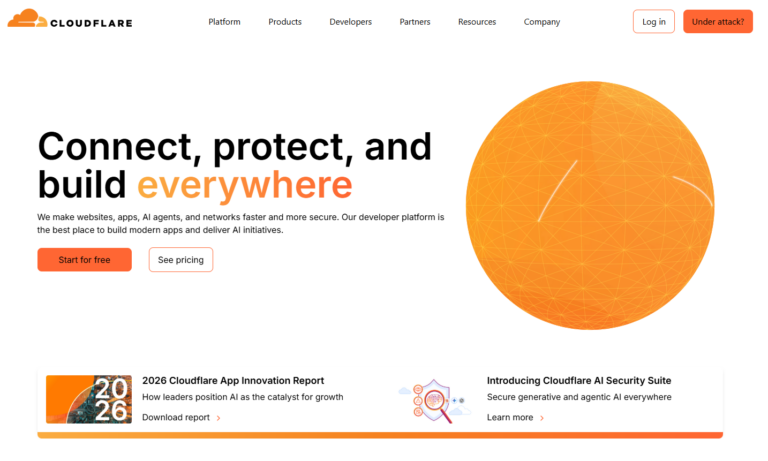
A CDN is a network of servers around the world that helps your website load faster and blocks a lot of bad traffic before it ever reaches your site. Cloudflare is our CDN of choice, and their basic package is FREE. Yes, free.
A CDN:
- Speeds up your load time
- Secures your site against attacks
- Protects against DDoS attacks (when bots hammer your site with so many requests it crashes)
Fun Fact: Cloudflare keeps your site secure using lava lamps. No, really. They have a wall of about 100 lava lamps creating an ever-changing code that’s basically impossible to crack. Sleep well at night knowing your site is protected by guardian lava lamps.
The slight downside? Making updates can be funkier and take longer because of the security layers. But for most sites, the trade-off is absolutely worth it. Your site will load faster and have less funk going on.
Bunny Trail: Smoke, Mirrors and Bot Poison
Here’s where it gets really interesting. Cloudflare recently created something called an AI Labyrinth—a system designed to lure bots (especially AI-driven scrapers) into a maze of fake pages that look like real content but aren’t actually useful. In our office, we lovingly call this “bot poison.” It’s basically a souped-up version of the honeypot we mentioned earlier.
Then the bots spend their energy running in useless circles instead of bugging your site and Cloudflare learns how the bots behave to get better at blocking them in the future.
It’s kind of like sending shoplifters into a fake store filled with empty boxes and mirrored hallways. They think they’re grabbing valuable stuff, but they’re really just going in circles, enjoying the “bot poison”, while security watches, takes notes, and locks the doors behind them.
Your Action Plan In a Nutshell
You don’t have to accept spam as a cost of doing business online. With the right setup and tools, you can dramatically reduce (or even eliminate) the garbage flooding your inbox.
Remember: It’s way easier to prevent spam than to deal with it after the fact. Set up your defenses now, before you wake up to 47 emails about cryptocurrency. Future you will thank you.
Start Here: Lock Your Doors (Do These First)
Handle Comment Spam:
- Turn off comments entirely (seriously, just do it)
- If you must allow them, require manual approval
- Use Akismet or similar spam-filtering plugins
Lock Down Form Spam:
- Add reCAPTCHA to every single form
- Use a quality form plugin with honeypot security and rate limiting
- Enable JavaScript checks to verify real browser behavior
Level Up: Advanced Tactics (If You’re Still Getting Hit)
- Implement manual logic tests (“Are you a penguin or a person?”)
- Install a security plugin
- Manually monitor using audit logging and block IPs until spm is under control
- Set up a CDN like Cloudflare (free version works great)
Or if you’re just fed up you can let our resident Bot Bouncer, Rebecca, lock down your site for you. Check out our SafeSite program where we manage security, updates, and spam protection.
Who Manifested This Madness?

This fabulous human, that's who.
Monica Maye Pitts
Monica is the creative force and founder of MayeCreate. She has a Bachelor of Science in Agriculture with an emphasis in Economics, Education and Plant Science from the University of Missouri. Monica possesses a rare combination of design savvy and technological know-how. Her clients know this quite well. Her passion for making friends and helping businesses grow gives her the skills she needs to make sure that each client, or friend, gets the attention and service he or she deserves.