Cool Website Integrations (That Save You Time… Which Saves You Money)
February 11, 2022

CONSUME CREATIVELY
This content is available in:
AUDIO
TEXT
UPDATED 12/14/2023
Today we are going to talk about solving problems using website integrations.
At MayeCreate, we love solving problems. One we solve day after day for our clients is helping their businesses run smoother by implementing website integration tools to leverage their site to take some of the day to day heavy lifting off of their staff.
We’re gonna go through six different challenges that we solve for people every day (with maybe some bonuses thrown in for fun).
- Employment Applications
- Appointment Scheduling
- Emails
- Software Integration
- Record Management
- Online Payment Collection
So let’s get to problem-solving.
WEBSITE INTEGRATION #1
Employment Applications
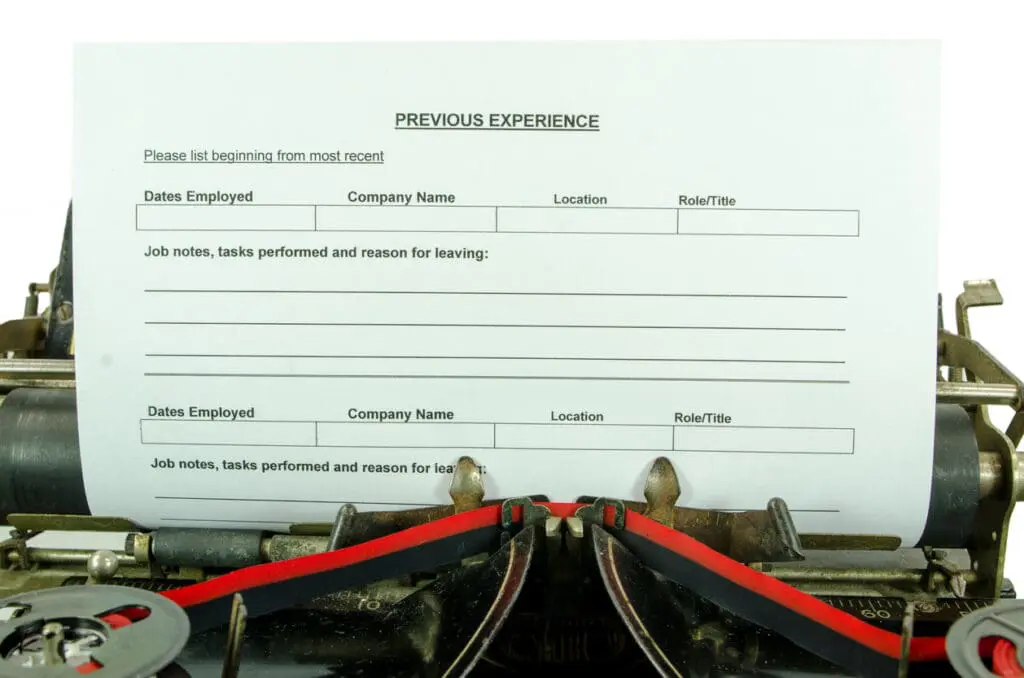
This is a problem we solve all the time for our construction companies. Now, I’m hearing more and more about it across the board in all different industries with everyone dealing with the Great Resignation, as they call it.
And I’m not talking about letting people download a PDF to bring back in.
I’m solving this problem for people because not everyone has a home computer. Only four-in-ten adults with lower incomes do not have home broadband services (43%) or a desktop or laptop computer (41%). Many businesses are looking to hire within this demographic.
And let’s be real, even if you DO have a home computer, you probably don’t have a printer that works. Because, let’s be honest, printers are the armpit of technology, they never work when you really need them to work.
So those terribly formatted PDFs that you had to download, fill out, scan and send back.
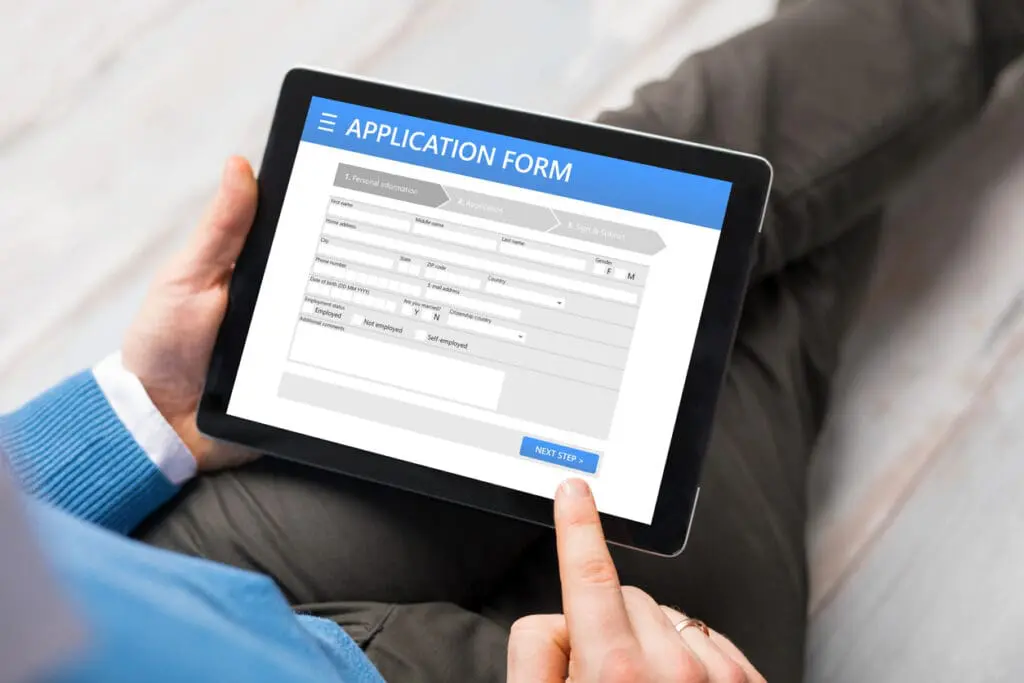
That’s the way of the past.
We’re all hiring all the time now. So, let’s make it easy for people to apply.
Think about your HR process more like a sales process because you are prospecting for great employees. We need to figure out how to make your website talk to these employees and make it easy for them to apply:
- Make it mobile-friendly
- Remove any required downloads
- Allow the application to be completed entirely online
Then you can take it a step further and make it work for your HR department.
It might be that you’re thinking, “Well, I don’t have to worry about this because I’ve got a form on my website, and it sends HR an email. Problem solved.”
Well, how does that email look? It might not be formatted correctly, they may still have to sign it, you might not be able to print it out very well, it may be a total mess that your HR department has to input by hand into their management software.
All these things are challenges that your HR department may be facing, and they might just not have spoken to you about. Or maybe you hear about him every day. And you’re like, Okay, people come on, like stop beating me up about these employment forms here.
Ultimately, when you integrate your online employment applications to your website, people should be able to fill out the application, submit the files you need and sign the application if it needs to be signed. I mean, for heaven’s sake, if you can do a mortgage loan without ever stepping foot into a building, you should be able to apply for a job.
It’s possible, people, it’s possible.
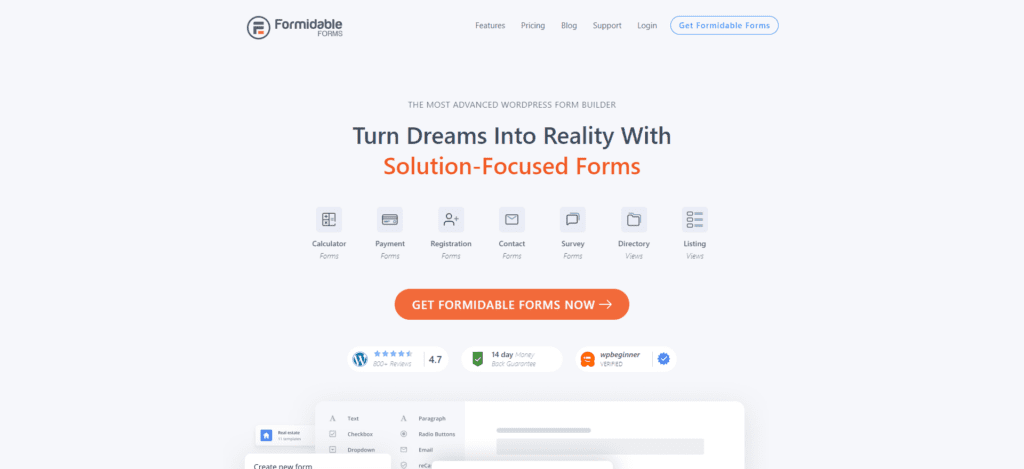
We build our websites on WordPress and use an integration plugin called Formidable that allows us to build the application to look like the one you’re used to giving people. Then we use Form2PDF, which takes the stuff from the form and puts it into your PDF, formatted exactly the way your HR department wants it. It saves it as a PDF and emails it to them.
Then you can even take it one step further.
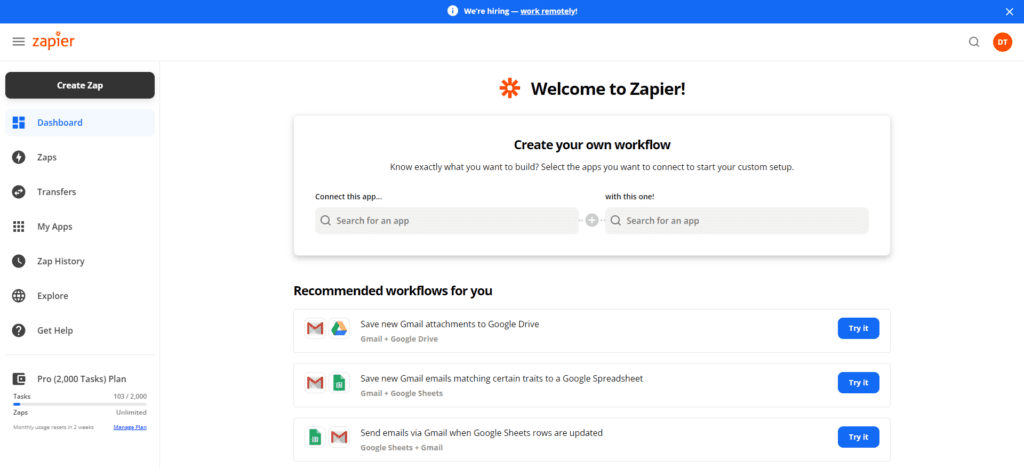
You can use a system called Zapier and connect it to your Google Drive or your OneDrive or wherever your company houses their files, and rename it with the person’s name. Then all the forms and information you require are saved in a nice, neat little folder to retrieve at your leisure.
There are even versions of Google Drive that are HIPAA compliant. So you can save sensitive information in that system and not worry about it.
WEBSITE INTEGRATION #2
Appointment Scheduling
Allow people to make appointments with you on your website, which saves a lot of time for your salespeople by removing the back and forth of scheduling. It also helps you qualify your leads because prospects normally do not make an appointment with you if they are not ready to move forward.
More Robust Paid Option – Simple Schedule
The one that we use most often is a paid version called Simply Schedule. It integrates with Formidable (you know we are Formidable humans over here!) and our Google Calendar. Using these two plugins combined you can specialize your appointment intake forms.
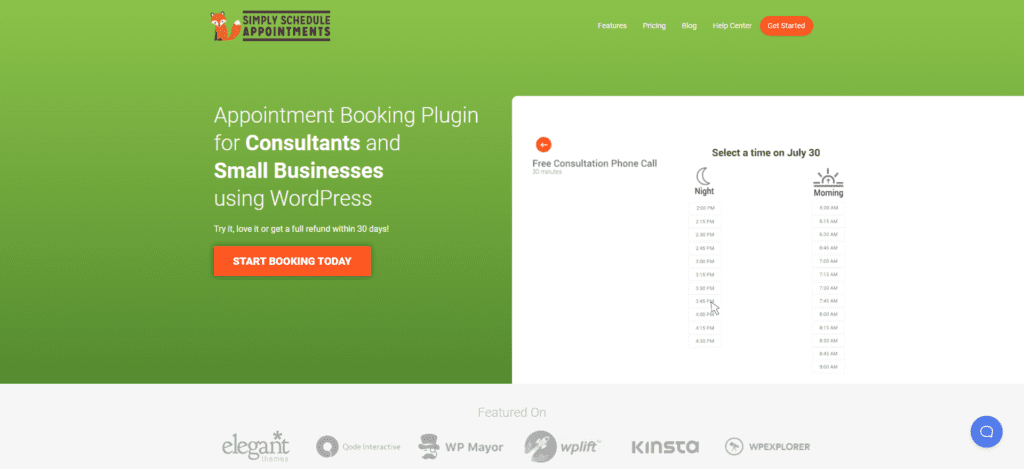
Simply Schedule will text people reminders, send reminder emails and schedule out the emails based on the time of the appointment. So you can remind people an hour before the appointment starts or five minutes before the appointment starts.
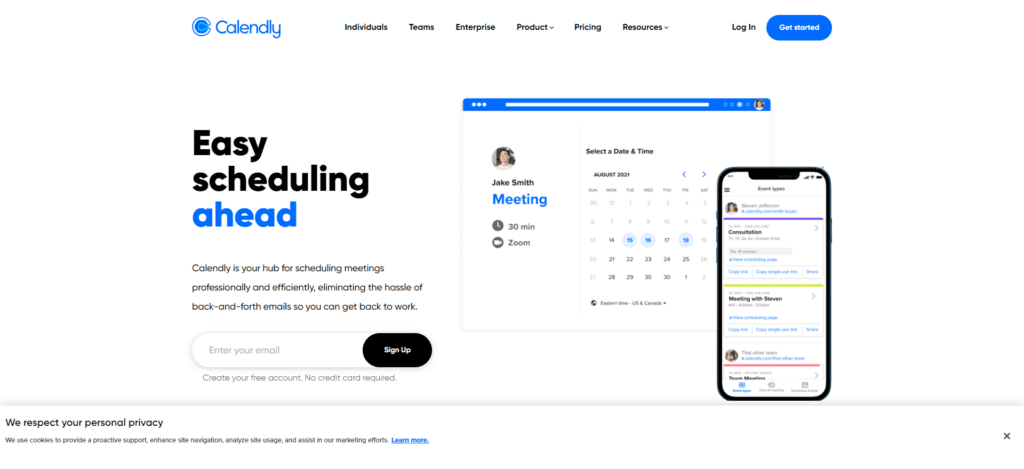
Having done it multiple times, Simply Schedule is more work to set up than Calendly.
So, Simply Schedule is worth the set up investment if you plan on doing something over and over and over again, or if signup needs to be customized. There’s just so much more security and systems in place to make sure that people show up for your appointments.
But, if you’re doing something that is a one-off or very simple, a free Calendly account will do you fine. Whichever one you go with, you can integrate it on a page on your website.
IMPORTANT – I am just talking about appointments.
We have quite a few other podcasts that talk specifically about event sign-up. We have one called Online Event Sign Up Application Evaluation Checklist that helps you plan out what type of event signup system you need. We also have one called Online Event Registration Solutions – From Simple to Robust, where we talk through different ways that people can integrate event registration in their website, from really simple, like an email form, all the way through to a robust event signup system that does everything.
Back to appointments!
Calendly and Simply Schedule are both for meetings. Use them to schedule meetings with prospects or let clients schedule appointments with you. You will save so much time and so many headaches.
WEBSITE INTEGRATION #3
RSS Emails
We used to have an intern that only built emails. That was their whole job, to build emails for us. Now, we don’t have to do that because we have RSS-generated emails.
You also want RSS-generated emails.
Why? Because they save you time.
Creating a new email every single time you want to send one wastes so much time you could use to do other, important things.
To set up RSS Emails you need to use an email marketing system. We usually use MailerLite or MailChimp. Both offer it as part of their free service package. Then you add the info to your website and the email marketing software makes the email and sends it…like magic.
What is RSS?

“A web feed that allows users and applications to access updates to websites in a standardized, computer-readable format.” Thank you Wikipedia.
Any post powered section of your site like your blog, events section, job postings, or even your portfolio will have an RSS feed.
To set up an email to send from the RSS feed you create the template, tell it where you want it to look on your website (what RSS feed). Then the email marketing system goes out to the website to check if there’s something new, and if there is the email marketing system formats the new content into the email template and automatically sends it to the list that you told it to send to.
It will do it daily, weekly, monthly. You tell it what you want it to do. And it puts it all together and sends it for you. Like I said, it is like magic.
Here’s the deal: If there’s nothing in there, it does not send an email.
✨Bonus Tip 1. Integrate Email Signups✨
You can also integrate your email signups into your email system on your website.
Anytime you have a form on your website, you can make it talk to your email marketing system, so you don’t have to export the info yourself and import it somewhere else.
Imagine, anytime anybody fills out a contact form, a download, an employment application, you know, any form, those emails they enter can go directly into your email marketing software.
Then, they can be added to your RSS email list or to another series of emails that you have set up.
✨Bonus Tip 2: Make Your Software Talk✨
So this tip isn’t really about your website but…keep in mind a lot of your CRMs and HR software can talk back and forth with your email marketing software if they’re not taking care of email marketing for you already inside of the system.
So make it talk, friends.
I hate it when I’m like, “Oh, I’m getting ready to do this big marketing push,” and then realize I have to export a whole bunch of information only to import it somewhere else. That’s a waste of time.
Don’t give yourself that extra step, and make your software talk to each other.
WEBSITE INTEGRATION #4
Third-Party Software
Integrate any other software you have and use daily into your website. Period.
It’s not always streamlined. It’s not always easy. It’s not always pretty. But it’s almost always worth it.
Example.
The ease of integrating two systems on your website entirely depends on what software you use and what type of website you have. Evaluate based on those two criteria before investing in any new software or website to be sure.
Internally, we use this a lot for project management. For example, we have clients we do ongoing marketing tasks for. They’re usually cyclical, repetitive tasks. So, they fill out a form on their website, and the website form puts the information into a spreadsheet which lets you see it all compiled and makes it easy to manage.
It also submits it all into our project management system. That way, the designer or developer has all the information they need to do the work, and the task is already created for our staff to record their time on.
This is an example of one-way communication between systems.

Two-way communication is trickier.

Imagine you’re shopping online at Walmart; you’re using their online interface. That’s like your website. There are also people inside of Walmart shopping for things, and all of that inventory has to be updated both ways.
And, it gets messy, man.
Sam’s does a terrible job of it. I’ll be shopping online, and they tell me they’re out of my eggs again. Then I’ll walk into the store, and there will be two pallets of eggs. It’s just bad communication between the two sysems.
But it can be done!
How can you apply this in your business or organization?
The types of integrations we handle most often are:
- Integrating a CRM to intake information from your website and update or create user profiles in your system.
- Integrating HR software with websites.
- Integrating website donation forms with donor management software.
Anytime you’re doing something that feels repetitive, time-consuming, or just daunting or demotivating, I want you to remember there is probably a better way. It can be solved.
WEBSITE INTEGRATION #5
Record Management
Do you have any of these?
- Employee certification records to keep updated
- Employees that have to re-sign paperwork annually
- Clients that have to re-sign paperwork annually
- Clients signing paperwork all the time
- Members paying annual dues

If yes, you might need to create something on your website that can manage and automate this record keeping for you. It will certainly be an investment upfront but it can save you hours a month, even a week if set up properly.

And it doesn’t always have to be fancy expensive software.
We created a record keeping system for our local Fire District with Formidable, Google Drive and Zapier.
So each year their volunteers go to the website, submit their certifications and sign off on their continuing education. The information is saved in Google Drive and the client uses a dashboard built using Google Sheets to see if everything is taken care of.
We’ve created similar things for class signups for a yoga studio. They wanted to work in Google Sheets because that’s where they are most comfortable.
A lot of small businesses run on spreadsheets, that’s OK. What’s not OK is having to manually duplicate records all over tarnation. That’s a recipe for human error. Automate it.
Sometimes fancy is the best route.
If you need a more robust system to automate record keeping and simplify the spreadsheet maze you’re using to keep organized look for a ready build software that does it. By the time you invest all the money (and time) in developing something custom, you probably could have just paid the $20 or even $100 monthly fee and moved on with life.

WEBSITE INTEGRATION #6
Online Payment Collection
One of the simplest, most requested things that we do is help businesses and organizations collect online donations and payments.
If you have to transfer your own money from whatever system you’re using to collect online payments, there’s a better way.
If you’re processing checks, or it feels like it’s taking forever to get people to make their payments you can have them pay it online. Then it can be deposited directly into your bank account securely because it’s super important not to store credit cards on your website. (DO NOT DO THIS!) Yes, you will pay a processing fee. But you are also likely paying someone to make deposits and stalk people to make payments – so it could be an even trade.
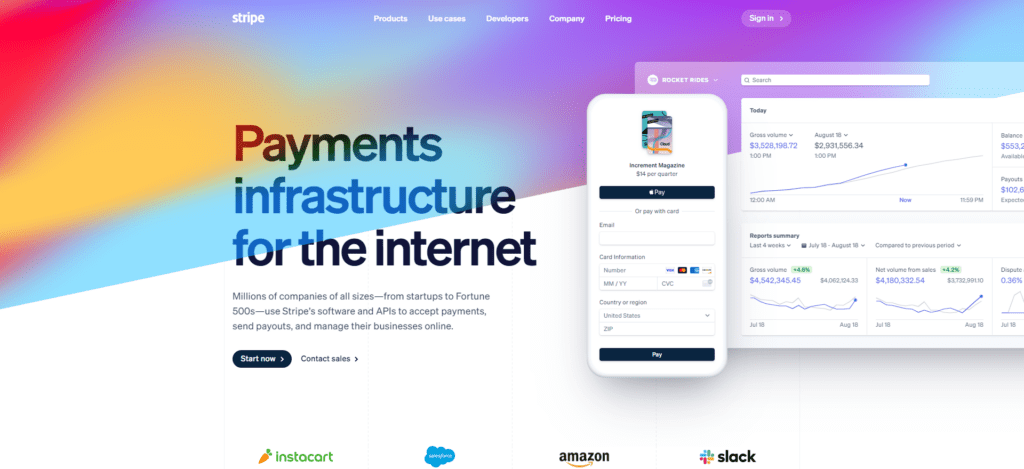
Often we do this with Stripe. Stripe is a wonderful payment system that integrates right into your website. People don’t know that they’re not paying on your website because it keeps them on your site to process the payment. It doesn’t take them out to another website where they have to log in (*cough PayPal).
There are also more robust ways to accept payments online:
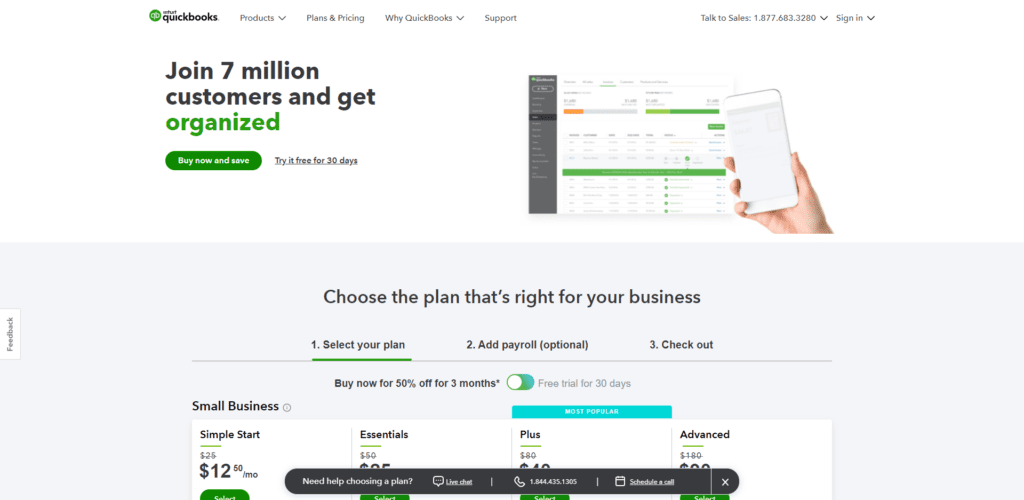
- QuickBooks Online has an online payment feature.
- Several membership plugins or software can be integrated to allow online payments or accept donations.
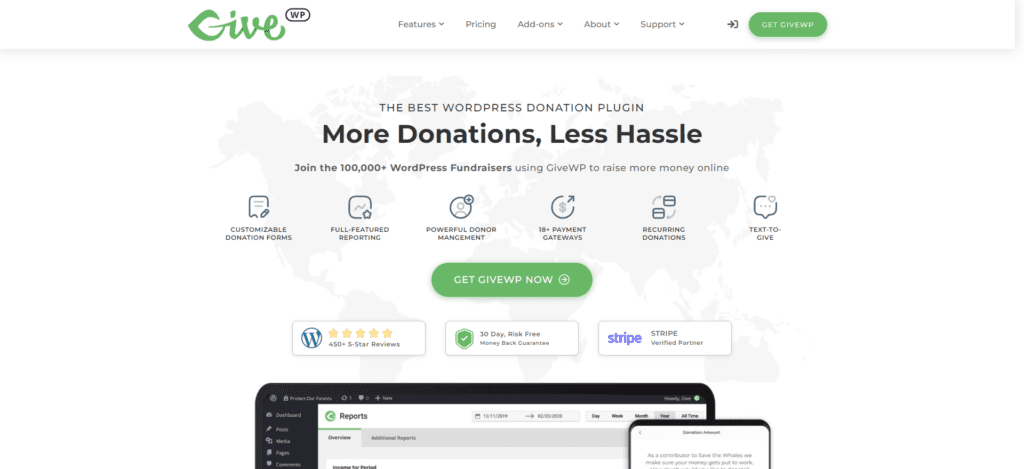
- Use a donation plugin on your website that integrates with a payment gateway like Stripe or PayPal (we like GiveWP).
- Use an online shopping cart integrated with a payment solution (we like WooCommerce).
Implementing one of these cool website integrations makes it more convenient for the end-user. And that’s what it’s all about.
There are only 1 million other ways on top of this 6+ to save time and money.
The thing I want you to do every single day is ask yourself,
“am I doing something repetitive? Is this demotivating?” If it is, then it can probably be solved through some type of technology.
I’m not saying there’s no setup. I’m not saying you’re not going to have to learn how to do it. But I am saying you don’t have to feel that way anymore.
There’s probably a better way.
Who Manifested This Madness?

This fabulous human, that's who.
Monica Maye Pitts
Monica is the creative force and founder of MayeCreate. She has a Bachelor of Science in Agriculture with an emphasis in Economics, Education and Plant Science from the University of Missouri. Monica possesses a rare combination of design savvy and technological know-how. Her clients know this quite well. Her passion for making friends and helping businesses grow gives her the skills she needs to make sure that each client, or friend, gets the attention and service he or she deserves.