Good to Great: MayeCreate’s Top WordPress Plugin Picks
June 14, 2024
CONSUME CREATIVELY
This content is available in:
AUDIO
TEXT
Tyler and Rebecca, MayeCreate’s lead developers, and Monica, our Chief Creative Officer, lift the hood to peer inside the websites at MayeCreate and the WordPress plugins they deem good enough to make the cut. Some you absolutely have to have and others that solve problems and put websites to work.
Our Plugin Mentality
Before we dig into all the plugins we think a WordPress website needs, and the good ones that make life a heck of a lot easier when managing websites – I want to briefly touch on the MayeCreate plugin mentality because ours is not shared by every developer out there, however it feels like it’s becoming more and more common.
When it comes to WordPress plugins (regardless of if they’re good or not), less is more.
Sure you can just search for and install a plugin that can add a feature to your site. But a good developer figures out how to extend the core functionality of WordPress by leveraging your theme. Because they know overusing plugins, even good ones, has some serious drawbacks.
More Plugins = More Vulnerability
Plugins, while extending the functionality of your site, also create little loopholes for people to get into and exploit a website. Making more work for you to keep the site safe, because you have to keep all those plugins updated. And you are relying on the plugin developer to keep it updated. Eventually, out-date-plugins can break your website. And not all plugins are compatible. So installing a new incompatible plugin can break your site, sometimes in ways that are obvious, and other times in ways that you won’t find for weeks or months.
More Plugins = Slower Loading Site
The other reason that we scale back on plugins is to make sure our websites load quickly. It’s pretty simple: the less things your site has to load, the faster it’s going to load. Even if you’re not using the features of a plugin on a page, the page may very well still be loading pieces of it and making your site load at turtle speed. (Ask me how I know…I learned it the hard way! More on that later. 😂)
Despite all that…
WordPress plugins are still a good, sometimes essential development tool.
By telling you these things, I don’t want you to think that using plugins are bad. I just want you to be aware of the impact of using them on your website. Plugins play an instrumental role in the site building process and each should be properly vetted before being put into action. Check out this article covering the basics of how to choose a good WordPress Plugin for your site.
Good & Must Have WordPress Plugins
As mentioned earlier, MayeCreate doesn’t use plugins for just any task, but we trust these plugins to protect, extend and format our clients’ sites efficiently and effectively.
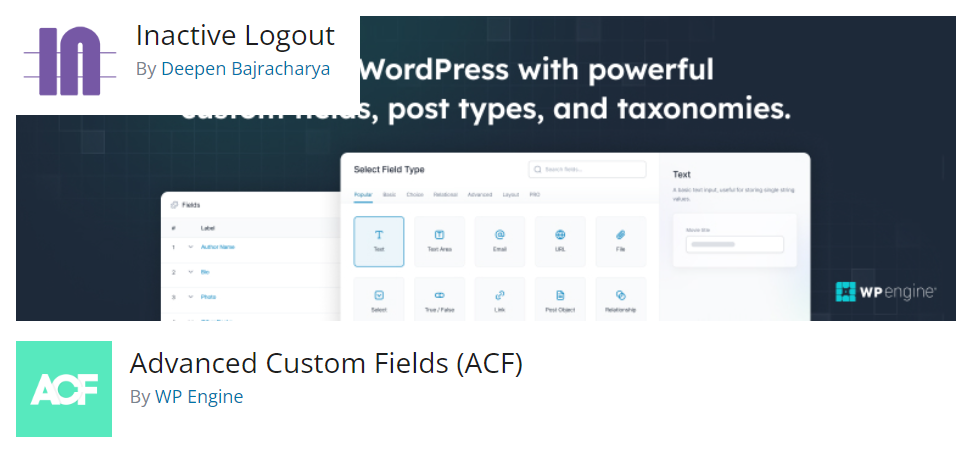
Extend Functionality: ACF Pro
What does it do?
It does a lot. Advanced Custom Fields, ACF, is indispensable. At its core, it’s just a plugin that gives you a visual representation of metadata fields. Allowing developers to build out site functionality quickly and even create custom post types.
Why we love it.
It allows you to add components to a website that keep it organized, and allow it to load quickly, while also making it easier for the end user. For example, we use it in our website global options framework to set the site logos, fonts, colors, and more. We also build blocks with it to quickly and uniformly update formatting throughout the site.
User Level: Intermediate +
They are continually improving the user interface and functionality of ACF, so with an understanding of how WordPress works an intermediate level developer could certainly put this plugin to good use. Plus there’s an amazing amount of documentation that will tell you exactly how to set it up. It’s genuinely not hard, just not ideal for a clueless newbie.
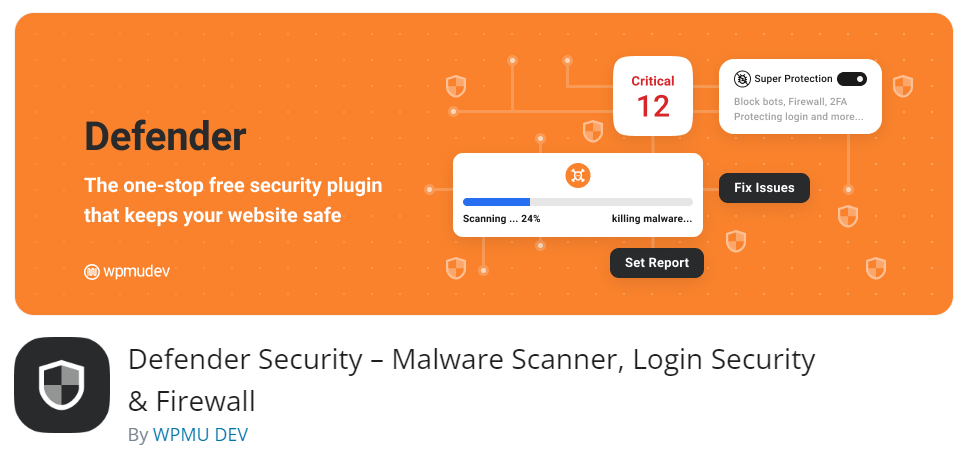
Security: Defender
What does it do?
Ironic that our second favorite plugin is a security plugin when we explained earlier that plugins themselves pose potential security risks 😂…but this is the plugin we use to lock down WordPress sites and keep hackers at bay!
We usually use the paid pro version of this plugin because it has all of the things we could possibly hope for in a security plugin, though it’s not always a necessity.
Why we love it.
We started using Defender on sites that needed immediate attention and an immediate fix. We quickly learned how good it was compared to several other plugins we’d used like iThemes (now SolidWP), WordFence, and MalCare.
Defender had all the features we needed rolled into a very navigable UI, so we immediately knew where we were and what the plugin allowed us to do. It prioritizes important security measures to address like blocking users trying to login with a username containing “admin”. And it also lets us get granular for tougher cases like white listing or blocking IP addresses or user agents.

Our Chief Website Security Officer, Rebecca, who is admittedly the most high alert, nervous member of the MayeCreate team (which is what makes her so good at her job) even says Defender gives her zero anxiety to use it, and that’s saying something.
User Level: Install = Beginner + / Hacker Fighting = Intermediate +
Installing and using the basic features of the plugin can be tackled by any user level. If your site is being hacked and you’re using the plugin to fight hackers, you’ll need a bit of background knowledge before creating and implementing a plan of action.
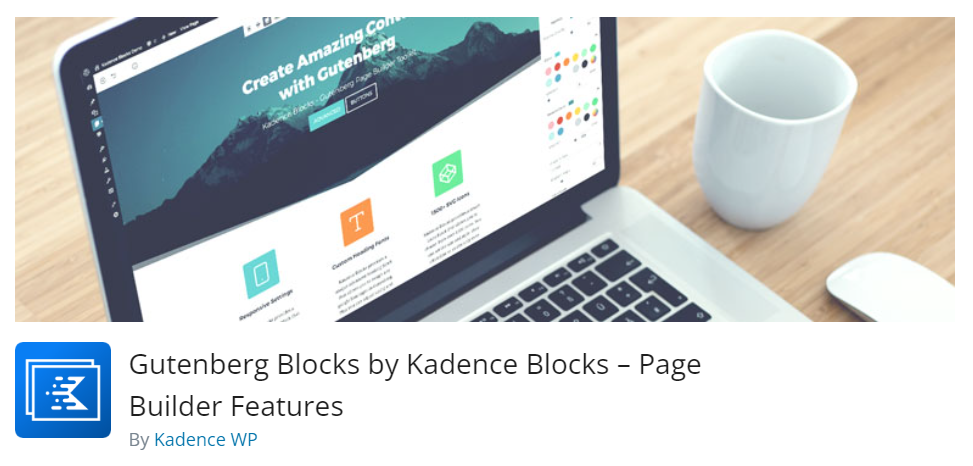
Guten Block Library: Kadence Blocks
What does it do?
It’s a library of Gutenberg blocks and page templates to speed up build time and keep formatting consistent in your WordPress pages.
Why we love it.
We tried somewhere around a billion block libraries.That’s how I really learned how plugins bog down a site. Our site was loading like a turtle because it was loading all the style sheets and code for all the block libraries even if we weren’t using them on a page. We landed on Kadence Blocks because:
- This plugin continues to evolve and deliver more functionality with each update. It’s not 100%, what you see is what you get, but it’s pretty darn close.
- The user interface is well designed, breaking the plethora of options into easy to navigate tabs and accordion menus.
- You can get VERY granular with your styling, doing anything you want from a layout perspective without needing to know how to code.
- You can copy and paste formatting from block to block and save universal styles to apply to all the blocks on your site which saves a ton of formatting time.
User Level: Beginner +
Like any design tool it does have a learning curve, but with basic training any user level can use this plugin to design pages and posts in WordPress.
Cookie Popup/Google Analytics: Complianz
What does it do?
It keeps your site compliant with privacy laws and Google Consent Mode V2 by showing a popup on your site and allowing visitors to opt into cookie tracking while not limiting the cookies required to make your website work. (Read more about website cookies.)
Why we love it.
When we started adjusting websites for privacy and cookie compliance in 2019, we had to do it all by HAND. Talk about a grueling process. We eventually found a cookie plugin that made the process less manual and offered the features we needed in the free version. Now, with Google Consent Mode V2 in play, we upped our cookie game (again) and wanted a paid solution that was easier to implement while still being cost effective. After testing and comparing, we decided our go to would be Complianz.
- The plugin setup involves a questionnaire to understand where you’re located and what your site does, then implements the level of compliance required for your area and site type.
- It scans your site completely and lists out all the cookies, including third party cookies then adds a pre-made opt-in preferences page for your site.
- It doesn’t let visitors opt out of cookies that your site can’t function without.
- You can style it to match your site.
User Level: Beginner to Intermediate
The plugin is definitely easy to use, but it can feel intimidating. Just know that it’s intimidating because it’s precise. The plugin deals with a very intangible thing and interfaces with other sites like Facebook and Google Analytics. So it’s bound to be a bit daunting by nature. If you plan to allow site visitors to opt in to Google Analytics tracking, you’ll need a bit of extra knowledge to get that done.
Form Builder: Formidable
What does it do?
We use it to build forms to: send emails, register site users, create blog posts, sign up for events, make donations, even estimate mulch!
Why we love it.
We’ve been using this plugin since the dinosaurs roamed the internet…and after 13+ years it’s still our form building go-to.
- It offers a high level of customization both visually and technically.
- You can control the look of all the forms on your website using one stylesheet controlled by an easy to use interface.
- Conditional logic allows you to build calculators and make forms do backflips.
- It saves all form entries in your site database so you can view or export them whenever you need to.
- Easily display charts and graphs from form entries.
- Take payments and online signatures.
- It integrates with a ton of other systems too, so we use it to turn form submissions into PDFs or add an entry to another program entirely like an email marketing or CRM system.
User Level: Beginner +
A novice can use the drag and drop form builder and style email forms. There’s a very comprehensive knowledge base explaining the more complex stuff, so even intermediate level users can make systems talk and build out a really cool application using the plugin.
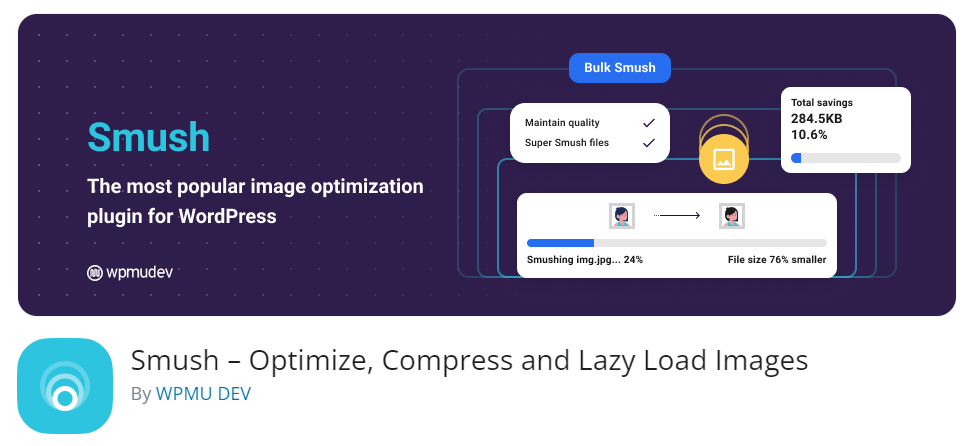
Image Optimizer: SMUSH
What does it do?
Earlier we said that too many plugins will slow down your site. Well this one is made to speed it up. It resizes images (even incredibly large ones) to a fraction of the size, without sacrificing image quality, making your site load faster. Having said that, SMUSH will not repair negligence. You still need, at the very least, to choose the correct image size when placing your images on a page. Optimally, you should resize your image to the approximate size you want it BEFORE uploading it.
Why we love it.
It squishes and optimizes all images, regardless of where you upload them in the site. When asked, it will also convert images to WebP format, strip metadata and lazy load. It allows us to have a faster workflow when building pages because we don’t have to manually optimize each image before uploading, just do our due diligence by resizing and selecting the properly smushed image size to place on the page. And viewers still see pretty images that look great, they just load WAY faster so they don’t have to wait on them.
User Level: Beginner +
Installation is easy and there’s plenty of documentation to guide even a novice user through setting up the plugin.
SEO: Yoast SEO
What does it do?
It gamifies the SEO optimization process for the pages and posts in your site. Pointing out what you need to change to improve your chances of ranking on Google search.
Why we love it.
SEO can feel like a maze (more on that here). And you could certainly optimize your pages without a plugin, but Yoast SEO takes out so much of the guesswork. It improves the workflow and gamifies the process of on-page optimization by color coding the process, highlighting areas to improve and offering suggestions for improvement.
User Level: Beginner +
You’ll need to learn which phrases to optimize for, which can take a bit of training, but using the plugin itself is intuitive and pretty self explanatory.

Redirects: Yoast SEO Premium or Redirection
What do they do?
They reroute renamed or old pages to a new location. When you rename or delete a page on your website, Google doesn’t know. Your page is akin to a lost set of car keys and Google doesn’t know where to look, so it just tells users the information doesn’t exist. Not awesome. These plugins tell Google to send people to a new spot on your site by creating a redirect.
Why we love them.
Both of these plugins allow site admins to create redirects without knowing how to code. These redirects keep Google happy and traffic flowing seamlessly to the sites we build.
Yoast SEO Premium creates the redirect automatically so it’s pretty seamless. But if you’re renaming your page over and over again you can bonk the system, so always test the old URL and the new one.
Redirection is a free plugin that allows us to upload redirects enmasse when launching a rebuilt site and even apply redirections to more than one page or post type, so each doesn’t have to be redirected individually.
User Level: Beginner + / Intermediate +
Yoast SEO Premium’s auto redirection is hands off, so even the most novice user can use it. A beginner can certainly create a redirect for a page using Redirection as well. Though when you venture into uploading redirects or using RegEX to apply redirects to groups of pages or posts, you’ll need to do your homework first or you can blow up your site.
Site Map Generator: Sitemap by BestWebSoft
What does it do?
It builds and maintains a sitemap of your site that you can submit to search engines for indexing.
Why we love it.
It’s consistent and works right out of the box. It also has options to create a separate sitemap for videos, images and more. You can exclude specific post types and…it’s free.
Then, once you have your site map configured the way that you want it, you can add it to Google Search Console. Then Google will have a record that alerts it each time you add or modify your site, so the information can be indexed and start showing to viewers. This process can organically happen on its own, but by submitting your sitemap it happens faster, more consistently AND automatically when you use a plugin like Sitemap by BestWebSoft.
User Level: Beginner +
Installing and configuring this plugin, especially on a simple site, is super easy and adding it to Google Search Console just takes a click once your account is set up and verified.
Good & Nice to Have WordPress Plugins
These are by no means an exhaustive list of good and nice to have WordPress plugins. They’re just the ones we found that made our jobs SO MUCH EASIER for specific types of sites. Maybe they’ll help solve a challenge for your site too!
Inactive Logout
For sites with lots of users, this plugin will kick out users who are logged in and inactive. This is a great security practice to keep your site secure from hackers!
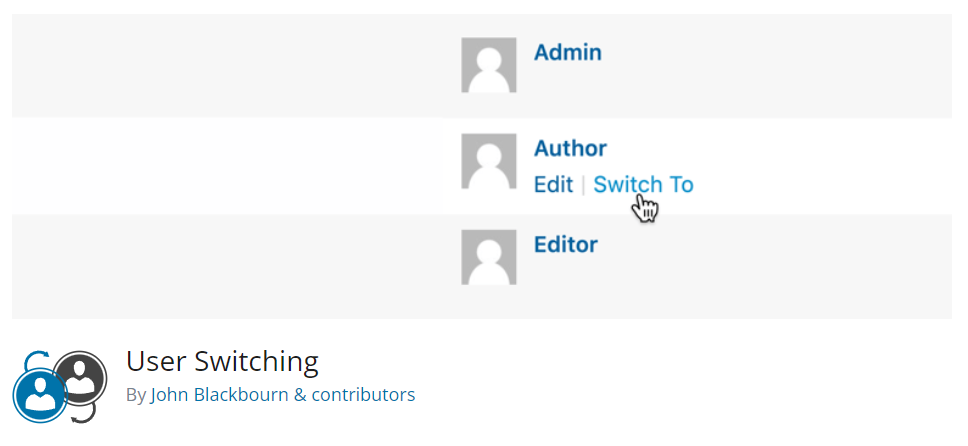
User Switching
Allows you to switch from one user to another without logging out so you can troubleshoot issues and quickly view the site from another user level.

Search & Filter Pro
This plugin adds the ability for users to group information and quickly find what they’re looking for. It allows you to search selected post types and use Advanced Custom Fields to sort and filter.
Relevanssi
This plugin resolves the shortcomings of the default WordPress search function and amps it up. We use it in conjunction with Search & Filter to expand the search beyond the title of a post and search the entire post content and metadata for information.
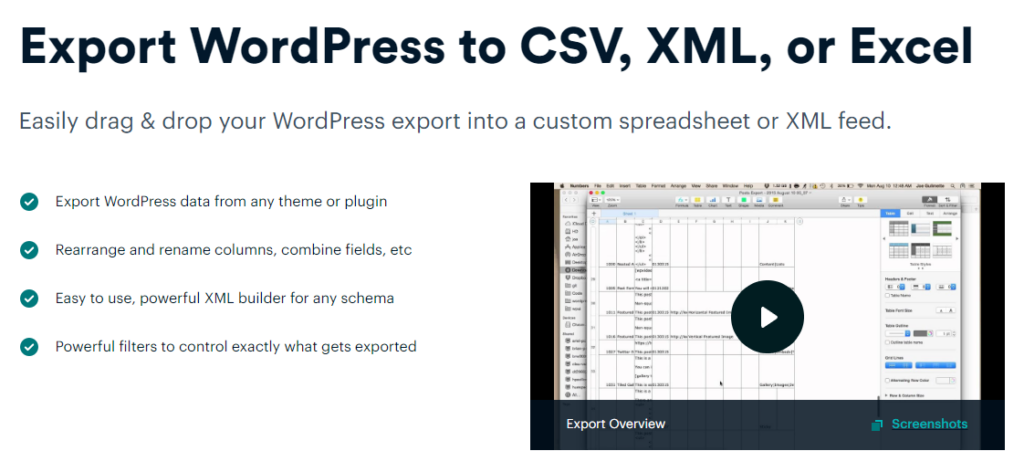
WP All Export
Lets you pick what you want to export from your WordPress site and how you want it formatted…because sometimes it makes no sense. We use this a lot to populate content when rebuilding a site in conjunction with WP All Import.
And that’s all for now on good WordPress plugins!
Hopefully all this tech talk gave you some ideas about the plugins that you need and maybe even a few to test out on your next site build. And I’d like to extend a big thank you to Tyler and Rebecca for taking the time to proof this article and join me in the podcast discussion where we dig even deeper into all these plugin favs! If you have one we should know about, send us an email! We’re always looking for answers to current and future challenges.
Who Manifested This Madness?

This fabulous human, that's who.
Monica Maye Pitts
Monica is the creative force and founder of MayeCreate. She has a Bachelor of Science in Agriculture with an emphasis in Economics, Education and Plant Science from the University of Missouri. Monica possesses a rare combination of design savvy and technological know-how. Her clients know this quite well. Her passion for making friends and helping businesses grow gives her the skills she needs to make sure that each client, or friend, gets the attention and service he or she deserves.